
A distributor in South Africa lost two supermarket chains after a shipment of portable price-check terminals failed during summer launches. The 2.4″ displays dimmed at 35°C, touch became unresponsive, and the end customers refused to accept the stock. Overnight, the distributor faced chargebacks, lost reputation, and two cancelled contracts.
That sentence reads like a movie trailer—and it’s the kind of problem your procurement team doesn’t want on Monday morning.
He told us bluntly: “I don’t need cheap. I need stable.”
That single quote carried more weight than any spec sheet. For B2B buyers—distributors, OEM product managers, and system integrators—stability means fewer returns, predictable service calls, and preserved customer relationships.
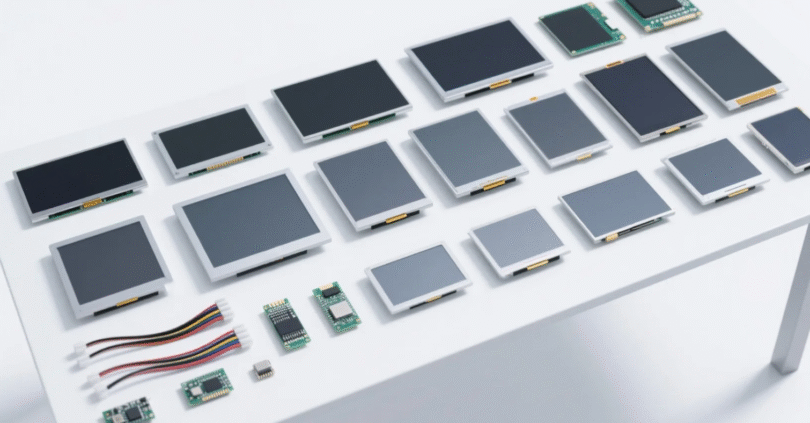
We sent the distributor 10 cartons of our wide-temperature TFT modules (0.85″–12″ range) with these specs: –30°C to +85°C, 700 nits typical brightness, PCAP touch, 50,000-hour LED backlight, and optional OCA optical bonding. After a 6-month field trial under 45°C ambient conditions, failure rate = 0%. The distributor’s internal report: “Shelved prototypes sold out in 9 days.”
That’s the kind of measurable result that convinces clients—data beats slogans.

Small form-factor TFTs power a wide variety of B2B products that are booming globally: portable monitors, handheld testers, medical devices, retail price checkers, smart wearables, vehicle instrument clusters, and industrial controllers. They’re compact, easier to source, and cheaper to integrate than large panels—yet their reliability matters more, because there’s no room for rework in mission-critical systems.
1. Size & resolution alignment (0.85″ → 12″)
2. Interface compatibility
Match your MCU/SoC: SPI / MCU parallel / RGB / MIPI / LVDS. If your board lacks the native driver, plan for a driver board or controller IC.
3. Brightness & readability
For outdoor or bright indoor use target ≥ 500 nits; for sunlight-readable designs aim for 700–1000 nits and AR/AG coatings.
4. Touch technology
5. Thermal & environmental rating
If devices will see extremes, choose wide-temp TFTs (–30 to +85°C) and confirm MTBF and backlight life.
6. Optical bonding & mechanical fit
Optical bonding (OCA) improves contrast, reduces reflection, and increases vibration resistance—critical for mobile/vehicular uses.
7. Certification & reliability
Ask for ISO9001 / RoHS / IATF16949 if you’re in automotive/medical supply chains. Request sample reliability reports (thermal cycling, vibration, salt spray).
8. Supply & MOQ
Find suppliers that support low MOQs and quick sample runs—this accelerates prototyping and reduces inventory risk.
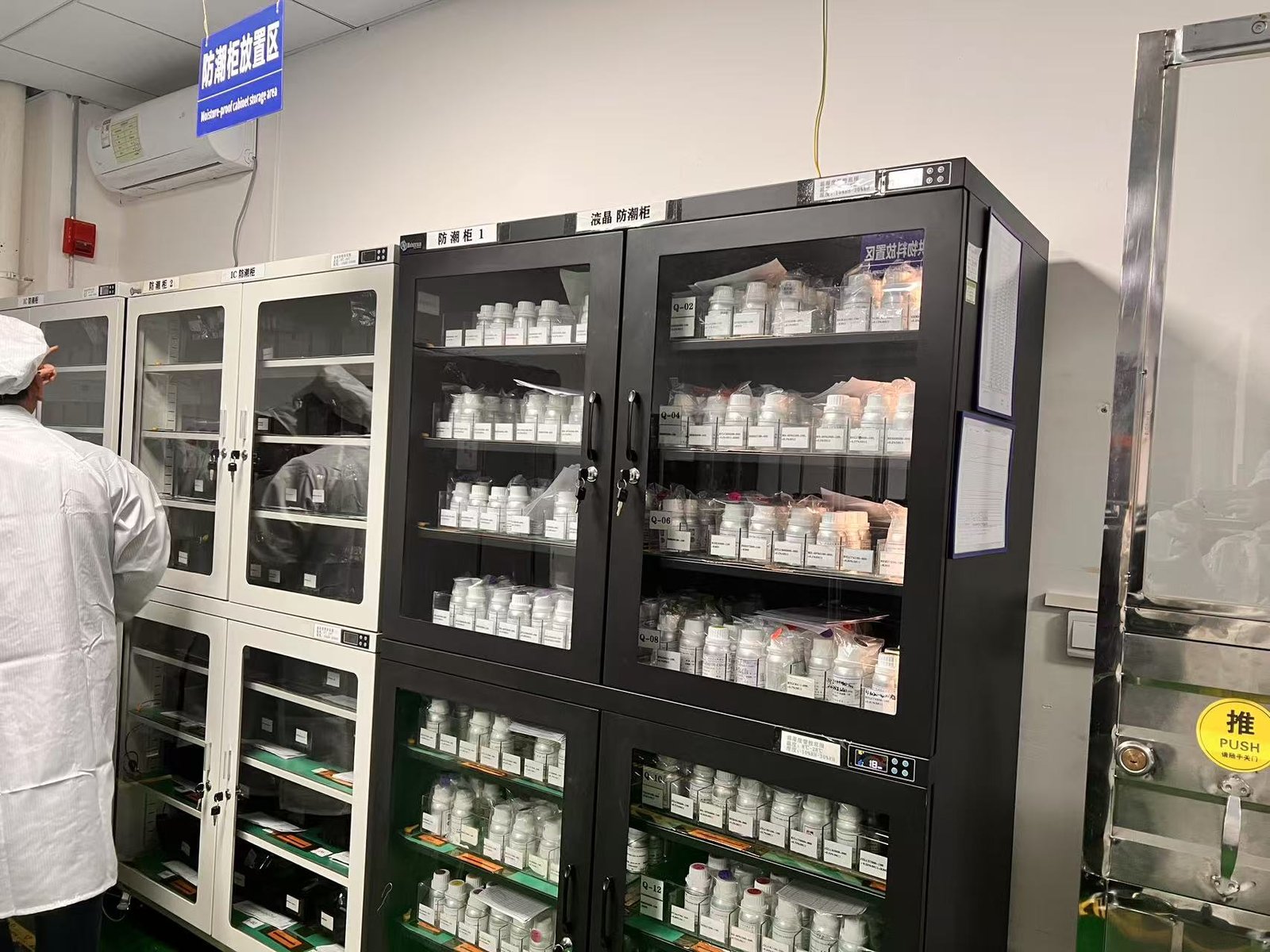
Tip: early prototyping orders (low MOQ) help validate costs before committing to production runs.
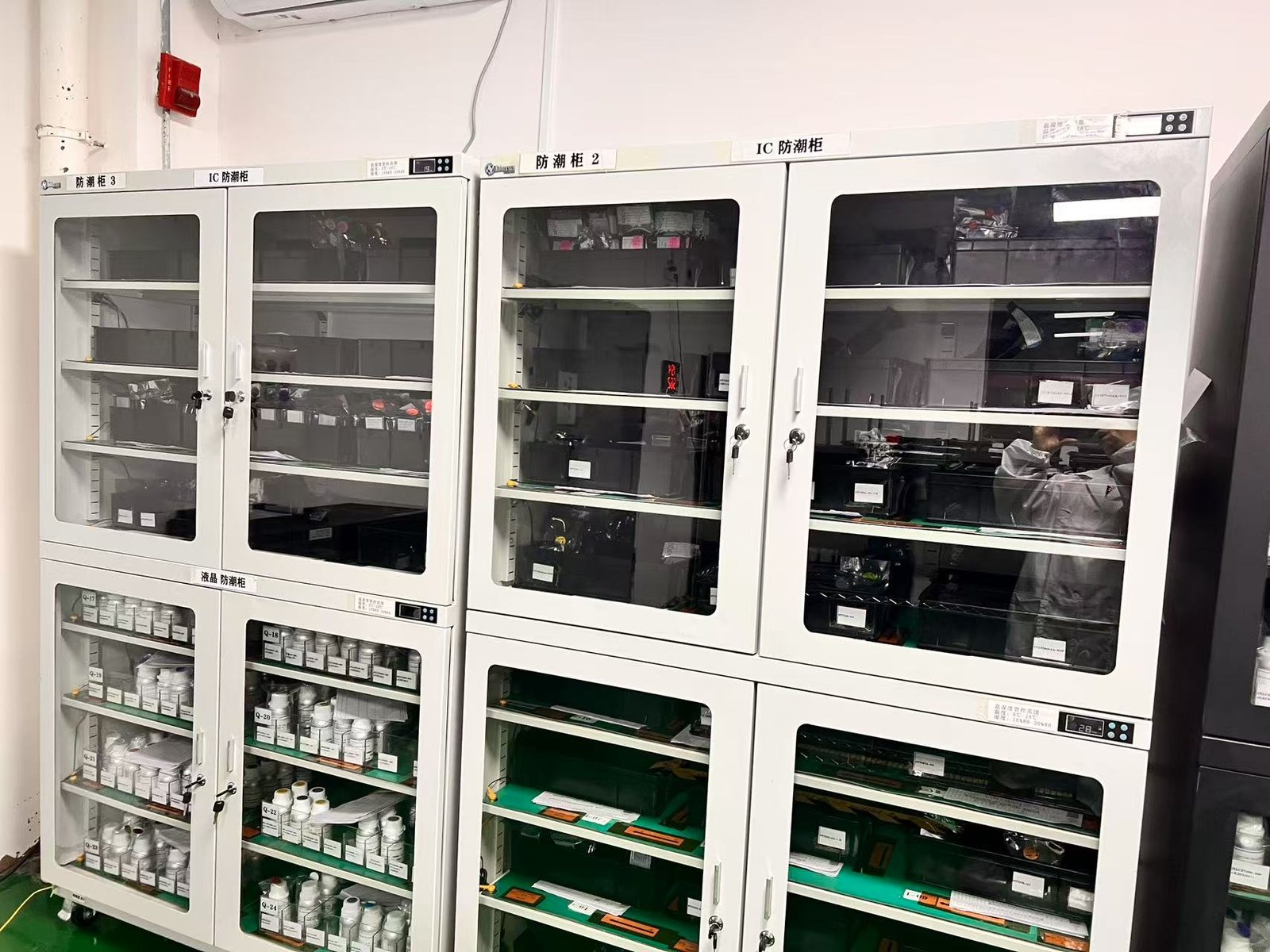
TFT LCD anti-slip cabinet placement area
Problem: A logistics handheld using a 2.8″ display returned in high volumes—screen flicker in cold docks caused scanning delays.
Solution: Swap to a wide-temp 2.8″ TFT with improved driver timing and anti-flicker firmware; adjust backlight start-up curve.
Result: Scanning uptime increased to 99.6%, returns dropped to near zero within one production cycle.
Are your handhelds, testers, or portable monitors failing in the field because of poor display choices—too dim, too slow, or fragile under heat/cold? If the answer is yes, you’re not alone. Drop a comment with your biggest display headache and we’ll suggest the relevant spec to check first.
We’re shipping sample kits (0.85″ → 12″) for evaluation this month—each kit includes wide-temp modules, controller boards, and touch test reports. If you’d like one, reply “SAMPLE” or DM us—no strings attached.
Keywords included in this article: small-sized TFT displays, 0.85 inch display, 12 inch display, wide-temperature TFT, PCAP touch module, sunlight-readable TFT, custom LCD modules, OEM TFT supplier.
Small displays can make or break your product. With the right specs—interface match, wide-temperature rating, pre-tuned touch, and optical bonding—you turn fragile prototypes into field-proven products. Use the checklist and integration playbook above to make the shift from “hope it works” to “it will work.”
Would you like this article converted into a one-page downloadable checklist or a short email template to send to distributors? I can generate both right now.